Creating a home office that is both cozy and productive can make a significant difference in how you work from home. Whether you spend a few hours a week or most of your day working remotely, having a dedicated space tailored to your needs can improve focus, efficiency, and overall well-being. Here are some helpful tips to help you design a home office that feels inviting and encourages productivity.
Choose the Right Location
Find a Quiet Spot
Start by selecting a location in your home that minimizes distractions. A corner in a spare room, a nook near a window, or a section of your living room can work, as long as it offers some level of privacy and quietness.
Consider Natural Light
Natural light boosts mood and reduces eye strain. Position your desk near a window if possible, but avoid glare on your computer screen by angling your desk or using blinds.
Select Comfortable and Functional Furniture
Invest in a Quality Chair
Since you’ll likely spend hours sitting, choose an ergonomic chair that supports your back and neck. Comfort is key to maintaining focus and avoiding discomfort.
Get a Desk That Fits Your Needs
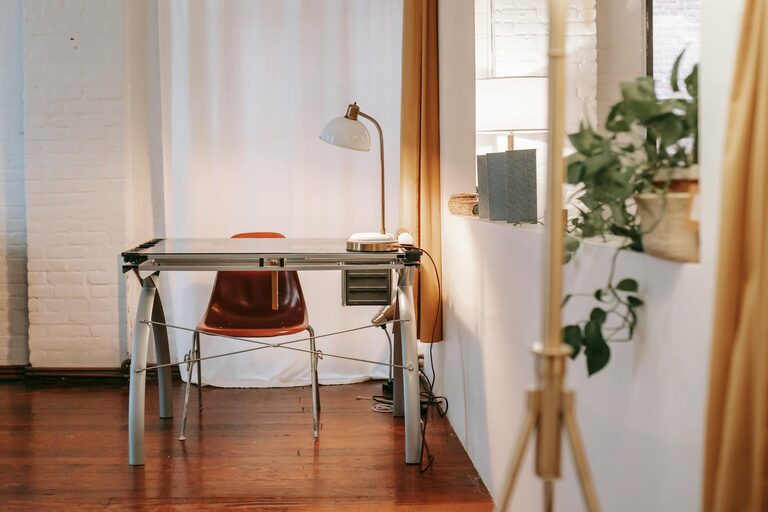
Pick a desk with enough surface area for your computer, notepad, and any other tools you use frequently. Consider a standing desk option if you like to alternate between sitting and standing.
Organize Efficiently
Use Storage Solutions
Keep your workspace tidy by incorporating shelves, filing cabinets, or desk organizers. Clutter can distract and reduce productivity, so having dedicated spaces for supplies and documents helps maintain order.
Keep Essential Items Close
Arrange your most-used items within arm’s reach to streamline workflow. This might include your phone, notebooks, pens, or a cup for coffee or water.
Personalize for Comfort and Inspiration
Add Cozy Elements
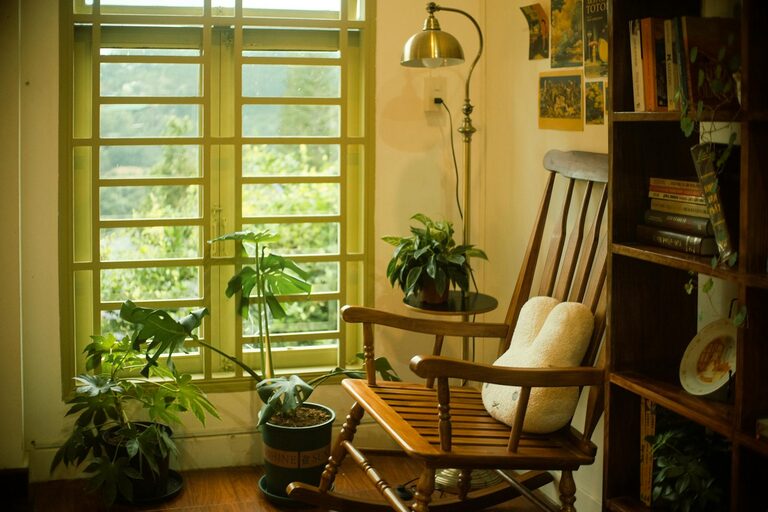
Incorporate soft textiles like a throw blanket, a cushioned seat pad, or a small rug underfoot. These touches make the space more inviting without overcrowding it.
Decorate with Meaningful Items
Display photos, plants, artwork, or motivational quotes that inspire you. Personal touches can enhance mood and create a space where you want to spend time.
Manage Technology and Lighting
Minimize Cable Clutter
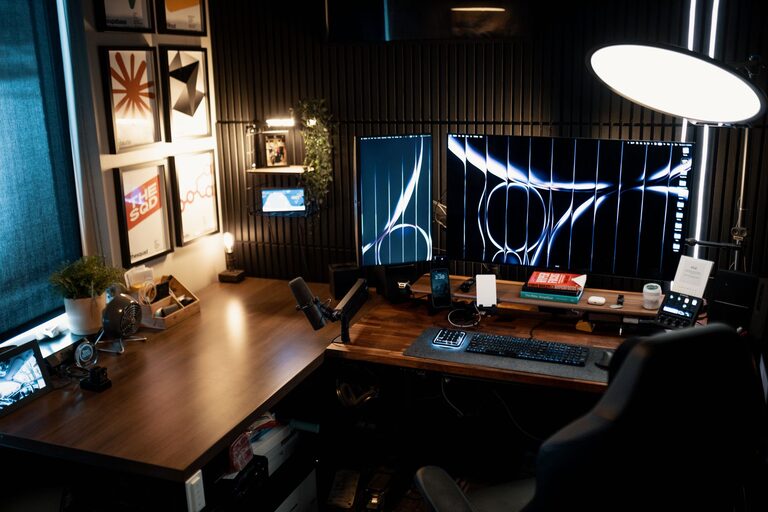
Use cable organizers or clips to keep wires neat and prevent tangling. A clean setup helps you focus and keeps your workspace safer and more accessible.
Use Adjustable Lighting
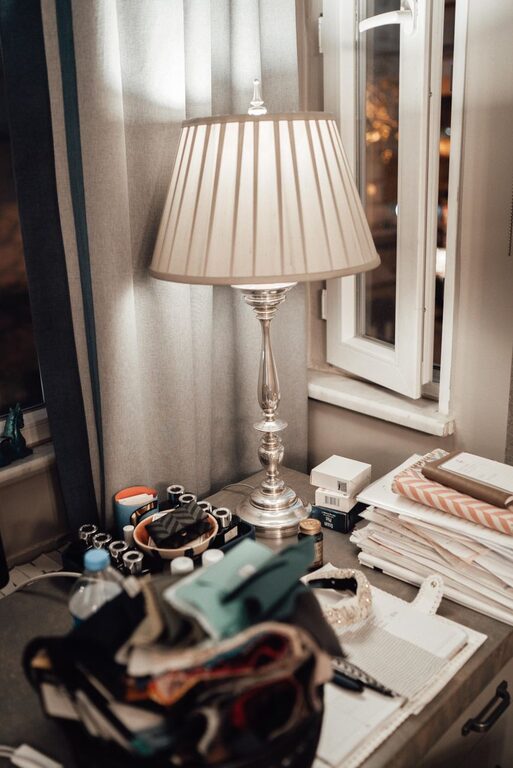
Complement natural light with a desk lamp that allows brightness adjustments. Proper lighting reduces eye strain and can be adapted to different times of day or tasks.
Create Boundaries for Work and Rest
Define Work Hours
Set regular work hours to separate professional time from personal time. This practice helps maintain work-life balance and mental clarity.
Set Physical Boundaries
If possible, close the door to your home office when working. This signals to others when you’re focusing and helps you mentally switch into work mode.
Incorporate Healthy Habits
Take Regular Breaks
Schedule short breaks to stretch, walk around, or relax your eyes. These pauses boost energy and prevent fatigue throughout your workday.
Keep Hydrated and Nourished
Keep a water bottle nearby and plan healthy snacks to maintain energy levels without leaving your workspace frequently.
Final Thoughts
Designing a home office that is both cozy and productive is about balancing comfort with functionality. By thoughtfully selecting your location, furniture, organization methods, and personal touches, you can create a space that supports your work goals and feels like a pleasant environment. Prioritize what matters most to you and make adjustments over time, as your needs and preferences evolve.
With a welcoming workspace tailored to your style and routine, working from home can become more enjoyable and efficient. Happy decorating!